

Industrial CNC Machine Supplier & Manufacturer
Setting the Industry Standard
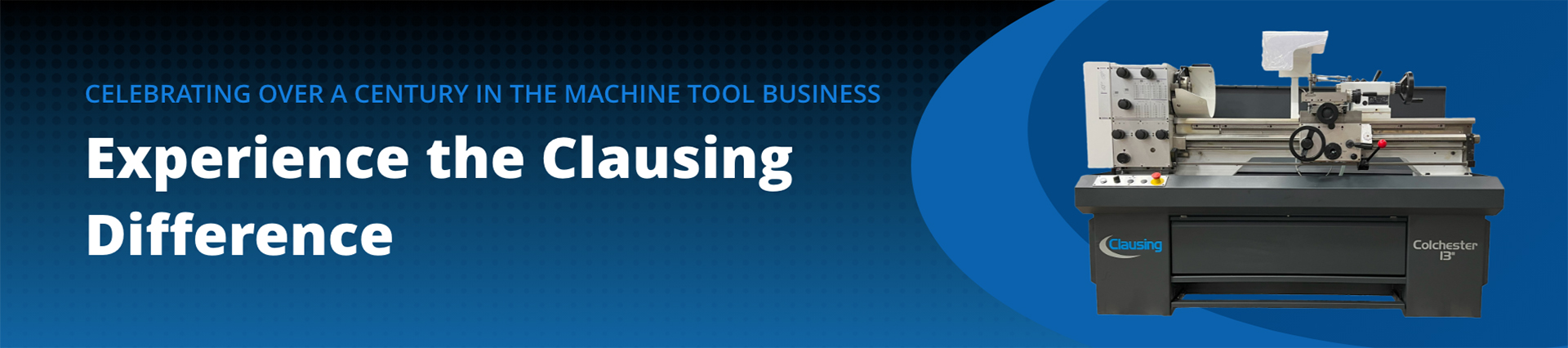
Clausing has led the way in industrial machine manufacturing and machine tool excellence since 1911. Our team is committed to achieving the highest standards in the superior equipment, world-class customer service and expert technical support we deliver to each client. Our machine tools have been tested and tried by the most challenging applications worldwide, proving our ability to meet the needs of any fabrication operation.
Powerful New Solutions for Production & Toolroom Applications
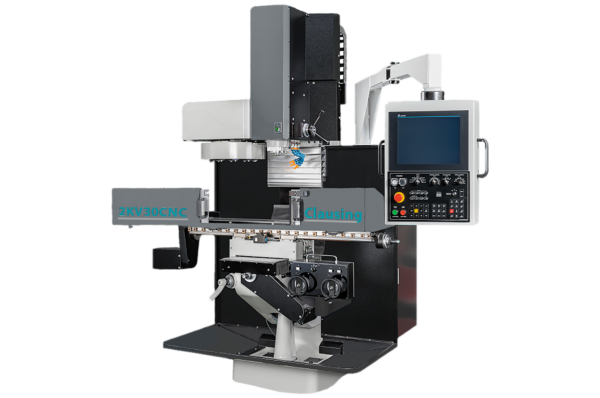
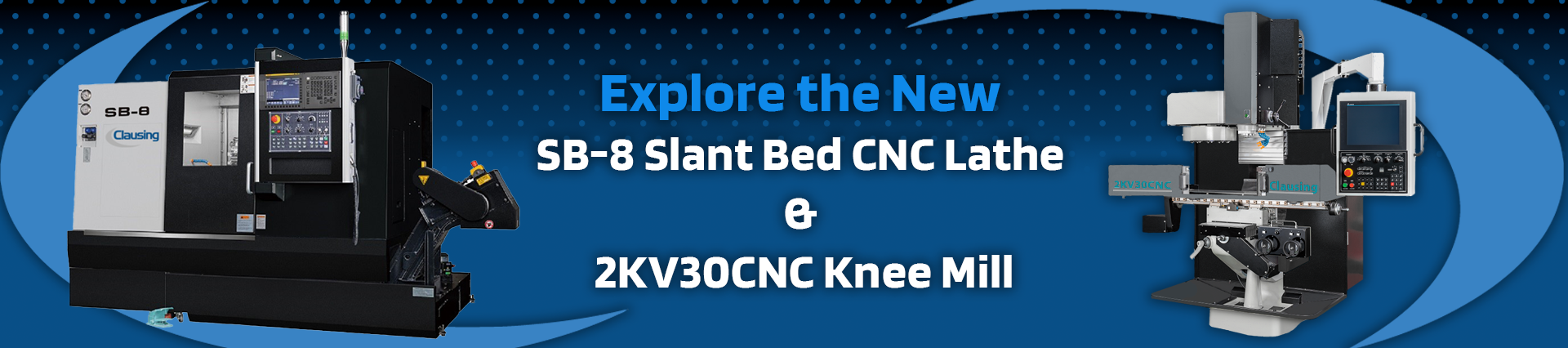
The Clausing 2KV30CNC Vertical Milling Machine offers precision, power, and efficiency for modern machining. Its robust VMC-style head, BT30 spindle taper with speeds up to 12,000 RPM, and a 10-tool automatic changer enhance efficiency. Meehanite castings and reinforced column ensure durability, while linear guideways enable smooth movement for precise, consistent results.
Choose between the Fanuc Oi-MF or Delta NC50E-FE CNC controls, both offering intuitive interfaces and advanced features like rigid tapping, Nano-Smoothing, and helical interpolation. Compact and versatile, it's ideal for job shops, toolrooms, and maintenance facilities seeking versatility and reliability.
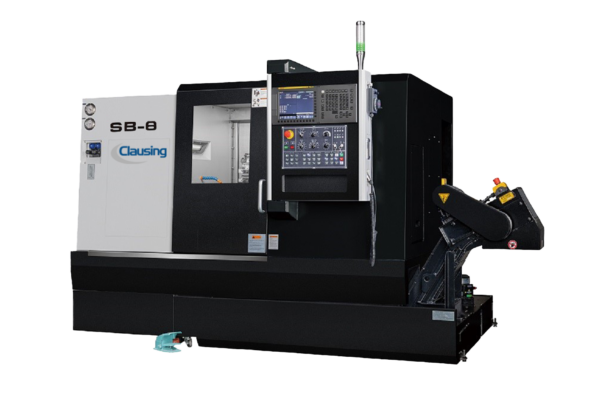
The Clausing SB-8 CNC Slant Bed Lathe delivers precision, durability, and efficiency in a compact design. Its Meehanite cast iron slant bed base ensures stability and superior chip management, while rapid X and Z axis travels (up to 1181”/min) and a 12-station hydraulic turret maximize productivity. The 15 HP variable AC spindle drive and hydraulic tailstock handle demanding turning applications with ease.
The Fanuc Oi-TF CNC Control enhances performance with conversational programming, toolpath graphics, and seamless connectivity via USB and Ethernet. Built for efficiency, the SB-8 is ideal for production environments seeking robust capabilities and increased output.
Types of Commercial CNC Machines and Industrial Equipment Models that Clausing Offers
Clausing is proud to offer one of the world's most comprehensive and diverse CNC equipment and machine tool selections. Our extensive lineup makes it easy to find the perfect solution for your operation's needs, whether you require CNC lathes, industrial bandsaws, vertical machining centers or other types of equipment.

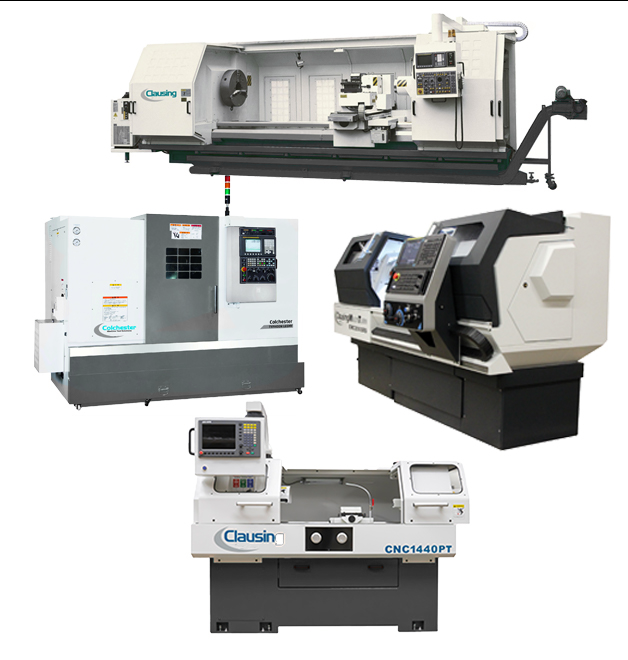
CNC LATHES
Our broad selection of CNC lathes uses advanced technology that delivers peak production for many fabrication processes, including turning, grooving, facing, drilling and more. Our options include large swing CNC lathes, Clausing CNC power turn lathes, Clausing CNC multiturn lathes and Clausing Colchester Typhoon lathes.
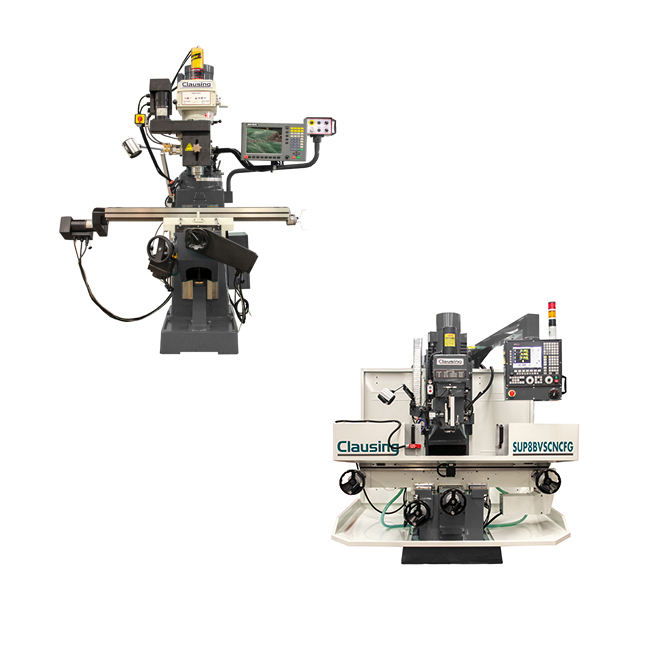
CNC MILLS
Our industry-leading CNC knee mills and CNC bed mills with easy-to-use controls and programmable spindle speeds bring powerful CNC capabilities to your fabrication shop. Our CNC knee mills offer full 2- or 3-axis control with semi-automatic or manual operation, while our bed mills provide 3-axis control with load capacities up to 2,000 pounds.
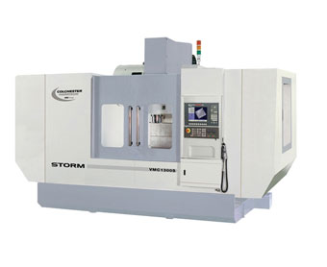
VERTICAL MACHINING CENTERS
With high accuracy, premium-quality components and affordable prices, our vertical milling centers (VMCs) deliver the performance and speed you need. Our line of Storm VMCs features durable, solid cast-iron bases and saddles that ensure less vibration than conventional models with fabricated bases.
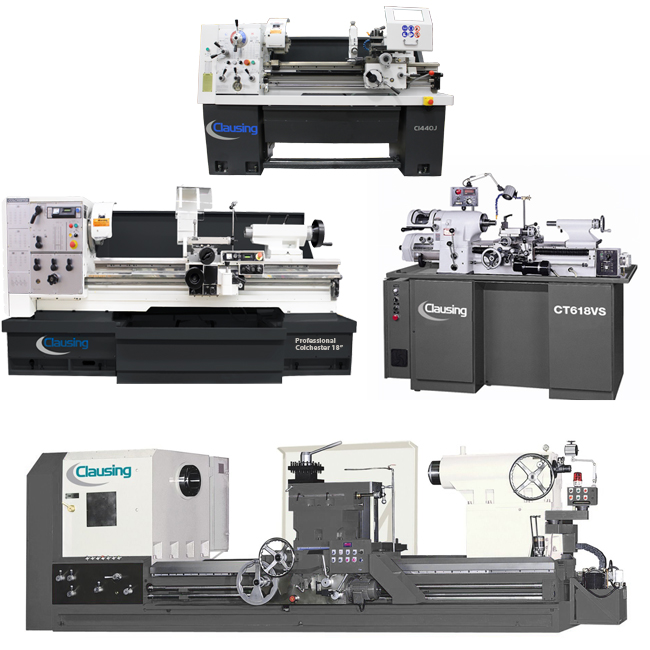
LATHES
Our manual lathes set the industry standard for affordability, exceptional performance, high accuracy and superior quality across a fast application range. Equipment examples include precision tool room lathes, geared-head and variable speed lathes, large swing lathes and C-Series lathes.
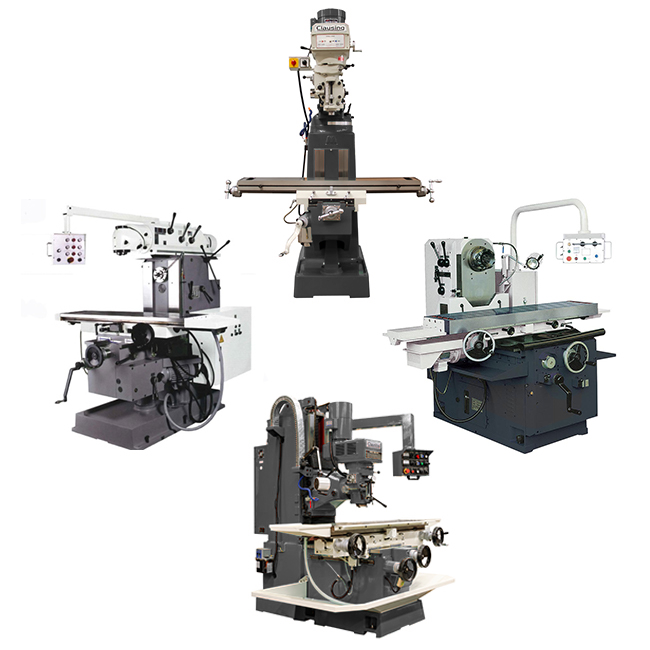
MILLS
Clausing is pleased to offer an extensive range of durable, extra heavy-duty knee mill and bed mill equipment that meets your applications' needs. Models range from horizontal mills and standard knee mills to combo mills, universal mills and standard and super bed mills.
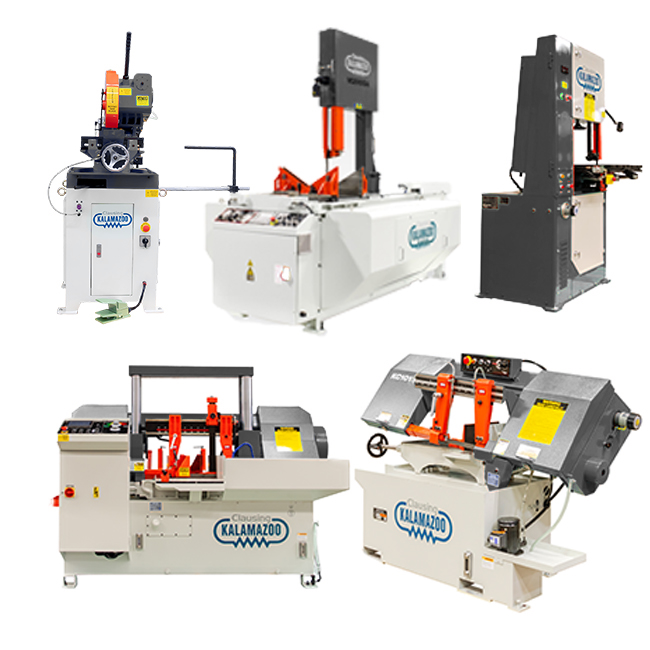
SAWS
Our ruggedly built lineup of saws adds power and performance to your operation with the industry's leading cutting technology. Options include horizontal bandsaws, production cold saws, double-column bandsaws, horizontal miter saws and vertical bandsaws.
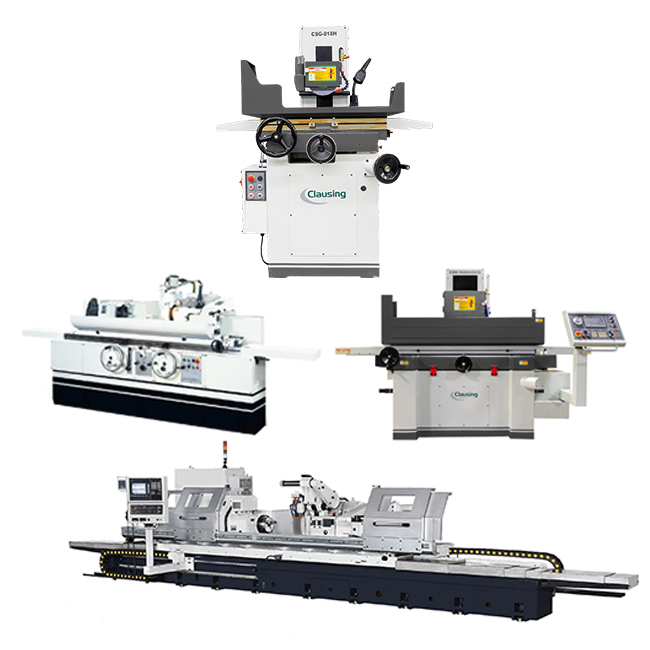
GRINDERS
Our grinding equipment delivers the high-performance solutions you need for day-to-day operations around your shop. Equipment like manual surface grinders, automatic surface grinders, hydraulic surface grinders, standard cylinder grinders and CNC grinders ensures high-performance drilling and finishing.
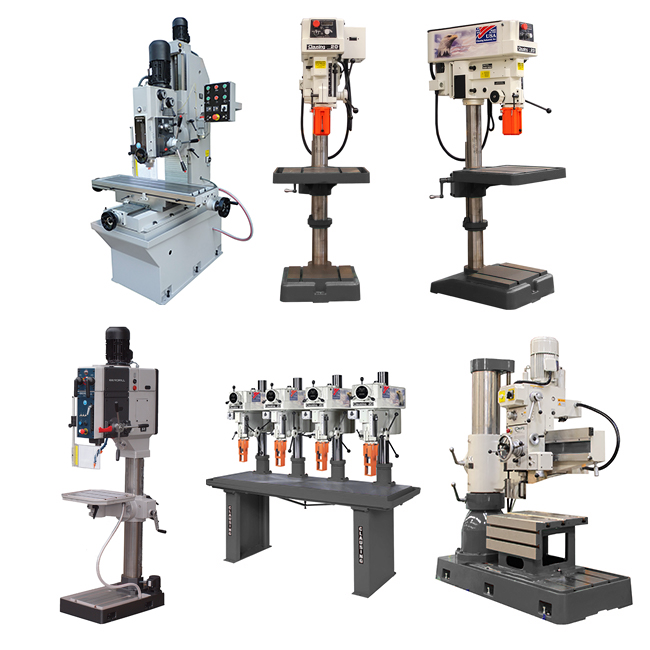
DRILLS
Our lineup of large-capacity, heavy-duty drills offers a superior solution for your finishing processes that require precision drilling or boring. Examples in this product line include prismatic-column drill presses, radial drills and round-column drill presses.
Machine Tools for Drilling, Milling, Turning, Grinding, Sawing and More
Clausing's selection of precision machine tools represents the best value in the industry by delivering high production and accuracy at the most cost-effective prices. We build all our equipment with premium parts and materials, meeting strict design and manufacturing specifications to achieve the industry's top quality standards. Our engineers and technicians use advanced quality control processes to ensure optimal craftsmanship and precision throughout each manufacturing phase.
More than 400 distributors and dealers feature our products across the United States, Canada and Mexico. Additionally, international distributors are ready to assist with providing the industrial machines you need outside of North America. With our easy access to parts and top-notch technical support, manufacturing companies and fabrication shops consistently choose our equipment over competitors.
Advantages of Choosing Clausing as Your Industrial CNC Machine Supplier
At Clausing, our primary mission is to exceed each client's expectations for high-quality equipment, exceptional customer service and industry-best technical expertise. Our success in meeting those goals for over a century has earned us a reputation as the industry's top industrial machine manufacturing company. Clausing’s membership in organizations like the Association for Manufacturing Technology (AMT) exemplifies our efforts as a leading industrial CNC milling machine and lathe supplier.
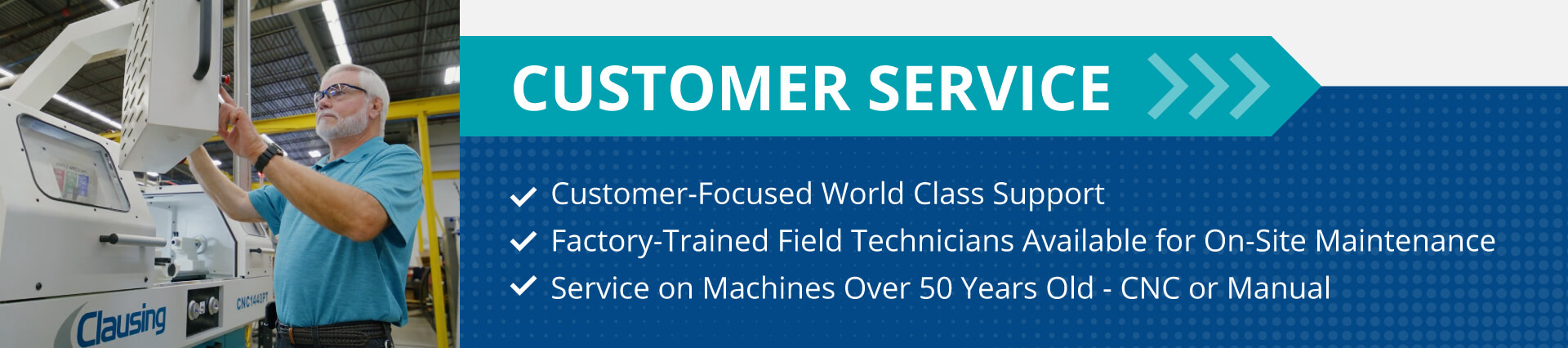
Our service center provides unparalleled support for all your operational needs, from replacement components to time studies that help increase production. With an inventory of over 73,000 parts, we can deliver the solutions you need to keep your equipment running in peak condition with minimal downtime.
Other benefits you'll enjoy when partnering with Clausing include:
Contact Clausing Today to Learn More
If you're looking to partner with a top CNC machine manufacturer that can handle all your equipment, customer service and technical support needs, Clausing is a perfect choice. We offer one of the market's most extensive equipment selections to handle unlimited fabrication applications across a broad industry range. Call 269-241-9274 or contact us online today for additional information or to request a quote.
